When stepping into the world of ethical hacking and cybersecurity, one question often comes up: Is LinPEAS safe to use?
It’s a valid concern. After all, LinPEAS is a powerful tool designed to uncover vulnerabilities in Linux systems. But does that make it risky, illegal, or harmful?
In this detailed, SEO-optimized guide, we’ll break everything down in a simple and human-friendly way so you can clearly understand how safe LinPEAS is, when to use it, and what precautions to take.
What is LinPEAS? (Quick Overview)
Before diving into safety, let’s briefly recap.
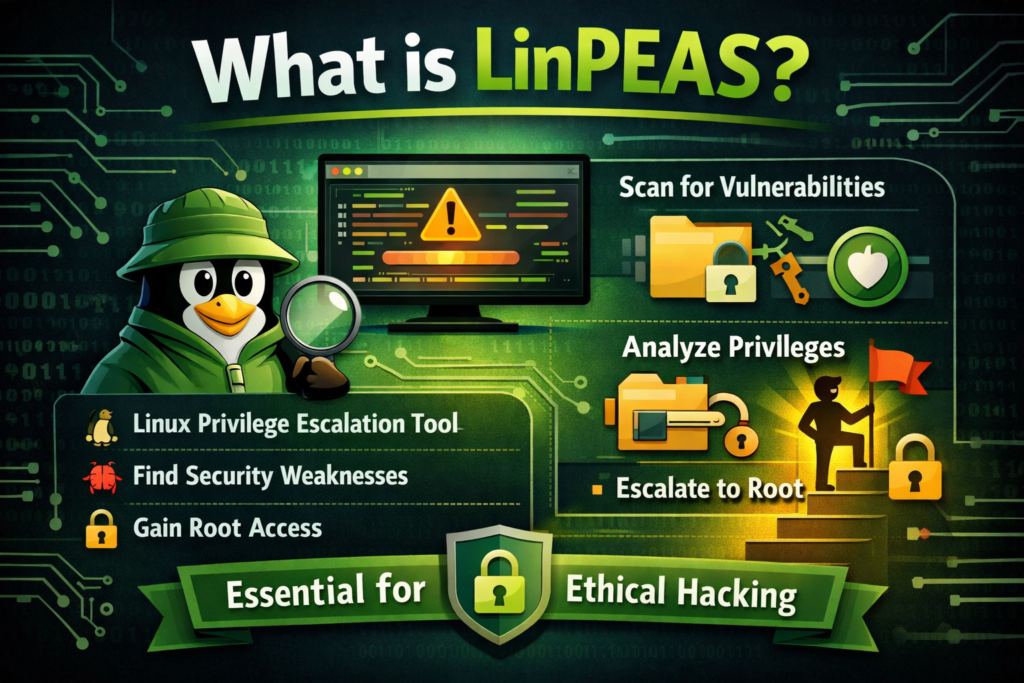
LinPEAS (Linux Privilege Escalation Awesome Script) is a cybersecurity tool used to identify potential privilege escalation vulnerabilities in Linux systems.
In simple terms:
👉 It scans a system and shows weak points that could allow a user to gain higher access (like root/admin).
It’s widely used by:
- Ethical hackers
- Penetration testers
- Cybersecurity students
- Bug bounty hunters
So, Is LinPEAS Safe to Use?
Short Answer:
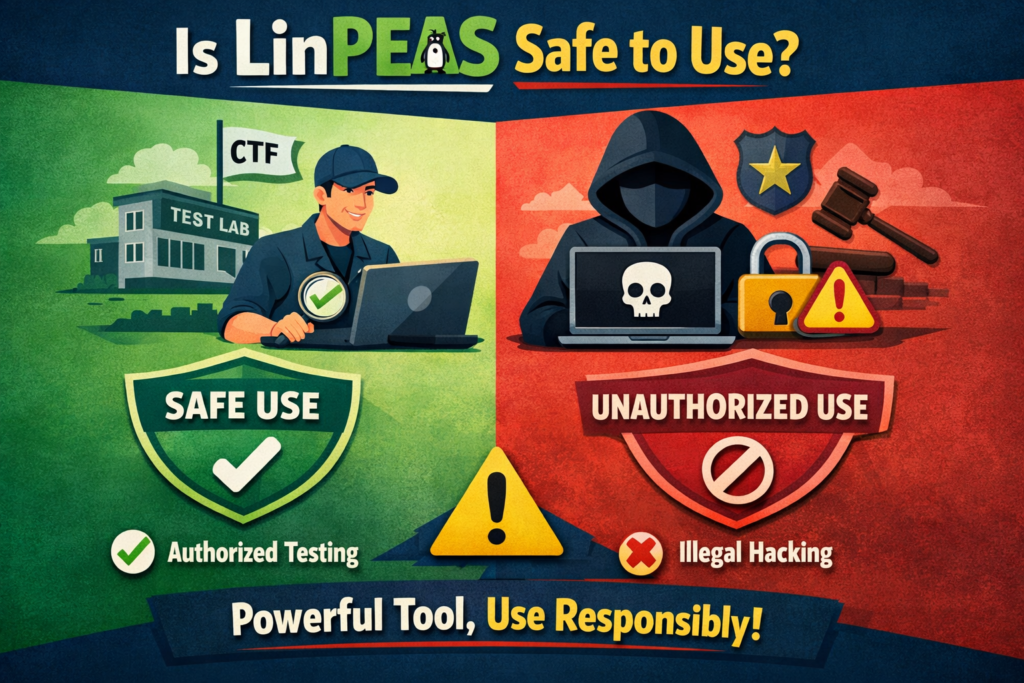
✅ Yes, LinPEAS is safe to use—if used correctly and ethically.
But there’s more to it.
Safety depends on how, where, and why you use it.
Understanding “Safety” in LinPEAS
When people ask if LinPEAS is safe, they usually mean three things:
- Is it harmful to systems?
- Is it legal to use?
- Does it expose risks to the user?
Let’s explore each one.
Is LinPEAS Harmful to Systems?
Good News:
LinPEAS is non-destructive by design.
👉 It does NOT:
- Delete files
- Modify system configurations
- Install malicious software
Instead, it only:
- Reads system information
- Analyzes configurations
- Displays potential vulnerabilities
However…
While LinPEAS itself is safe, there are a few things to keep in mind:
- It can generate high CPU usage temporarily
- It may trigger security alerts in monitored systems
- Large outputs can slow down weak systems
👉 So, while it doesn’t damage systems, it should still be used responsibly.
Is LinPEAS Legal?
This is where things get serious.
✅ Legal Use Cases:
You can safely and legally use LinPEAS when:
- You own the system
- You have explicit permission
- You are working in a lab or training environment
- You are performing authorized penetration testing
❌ Illegal Use Cases:
Using LinPEAS without permission can be illegal:
- Scanning someone else’s server
- Testing company systems without approval
- Accessing systems you don’t own
👉 In many countries, unauthorized use can lead to serious legal consequences.
Bottom Line:
LinPEAS is a tool—its legality depends on your intent and permission.
Is LinPEAS Safe for the User?
Yes, LinPEAS is generally safe for the person using it.
However, there are a few considerations:
Data Exposure
LinPEAS may reveal:
- Passwords
- Tokens
- Sensitive configuration files
👉 If you’re not careful, you could accidentally expose sensitive data.
Detection by Security Systems
If used on monitored systems:
- It may trigger intrusion detection systems (IDS)
- Security teams might flag your activity
👉 Always inform stakeholders before running it.
False Positives
LinPEAS may highlight issues that are not real vulnerabilities.
👉 You need to verify results manually.
Key Benefits of Using LinPEAS Safely
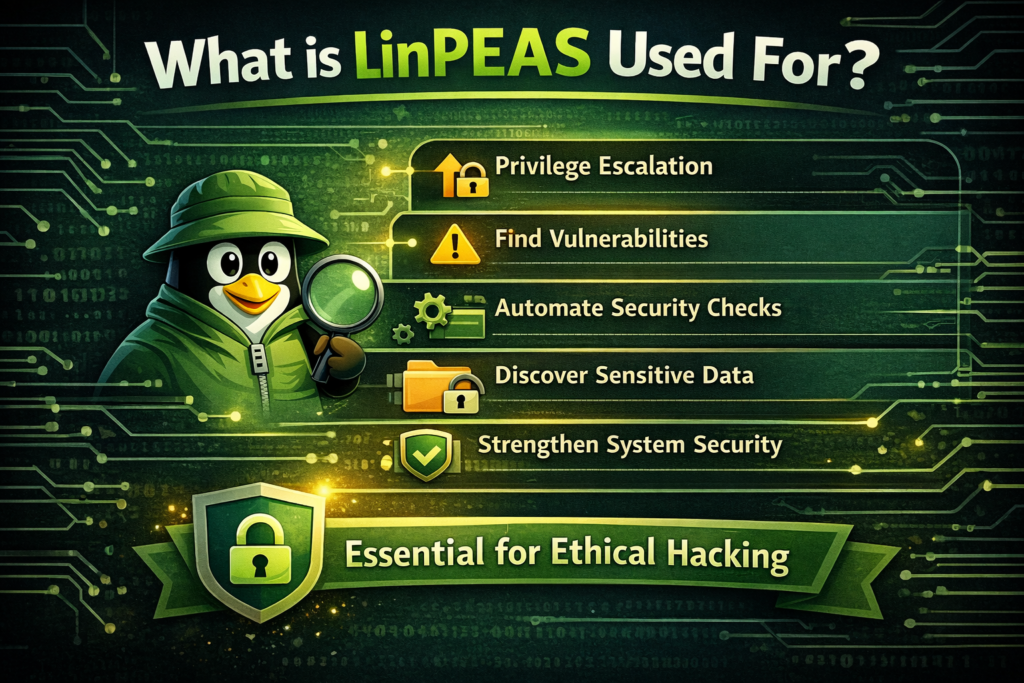
When used properly, LinPEAS offers many advantages:
Fast Vulnerability Detection
It saves hours of manual work.
Beginner-Friendly
Color-coded output makes it easy to understand.
Learning Tool
Helps you understand Linux security concepts.
Widely Trusted
Used by professionals worldwide.
Risks of Misusing LinPEAS
Even though LinPEAS itself is safe, misuse can create problems.
⚠️ Legal Trouble
Unauthorized use can result in penalties or lawsuits.
⚠️ Ethical Violations
Using it irresponsibly goes against cybersecurity ethics.
⚠️ System Disruption
Running it on production systems without planning can cause issues.
Best Practices for Safe Usage
To ensure LinPEAS is used safely, follow these guidelines:
Always Get Permission
Never run LinPEAS on a system without approval.
Use It in a Controlled Environment
Practice on:
- Personal labs
- Virtual machines
- Training platforms
Analyze Results Carefully
Don’t blindly trust output—verify findings.
Avoid Production Systems (Unless Authorized)
Running scans on live systems can cause disruptions.
Keep Data Secure
If LinPEAS finds sensitive information, handle it responsibly.
Where Can You Safely Practice LinPEAS?
If you’re learning, the best approach is to practice in safe environments.
Popular platforms include:
- TryHackMe
- Hack The Box
These platforms provide legal, controlled environments to experiment and learn.
LinPEAS vs Malware: What’s the Difference?
Some beginners confuse LinPEAS with hacking tools used for malicious purposes.
Let’s clarify:
| LinPEAS | Malware |
|---|---|
| Ethical tool | Malicious software |
| Finds vulnerabilities | Exploits and damages systems |
| Requires permission | Used without consent |
| Used for security testing | Used for attacks |
👉 LinPEAS is a defensive tool, not an attack tool.
Common Myths About LinPEAS
Myth 1: “LinPEAS hacks systems automatically”
❌ False
👉 It only identifies weaknesses—it doesn’t exploit them.
Myth 2: “Using LinPEAS is illegal”
❌ Not always
👉 It’s legal with proper authorization.
Myth 3: “LinPEAS damages systems”
❌ False
👉 It’s non-destructive.
Who Should Use LinPEAS?
LinPEAS is ideal for:
- Beginners learning cybersecurity
- Ethical hackers
- Penetration testers
- System administrators
- Security researchers
When Should You Avoid Using LinPEAS?
Avoid using it when:
- You don’t have permission
- The system is highly sensitive
- You’re unsure about legal implications
Conclusion
LinPEAS itself is generally considered safe software in the sense that it is not malware and is widely used in legitimate cybersecurity work. It is an open-source Linux privilege escalation enumeration tool used by penetration testers and security professionals to identify system misconfigurations.