
When it comes to Linux privilege escalation and system auditing, LinPEAS is one of the most trusted tools among cybersecurity professionals, ethical hackers, and system administrators. If you’ve recently come across LinPEAS or are planning to use it, one of the most common questions that arises is: Do I need root access to run LinPEAS?
The short answer is no — you do not need root access to run LinPEAS. However, the complete answer is a bit more nuanced, and understanding it properly can significantly improve how effectively you use the tool.
In this article, we’ll break everything down in a clear, user-friendly way. You’ll learn how LinPEAS works, what level of access you need, and how root privileges impact the results you get.
What is LinPEAS and Why is It Used?
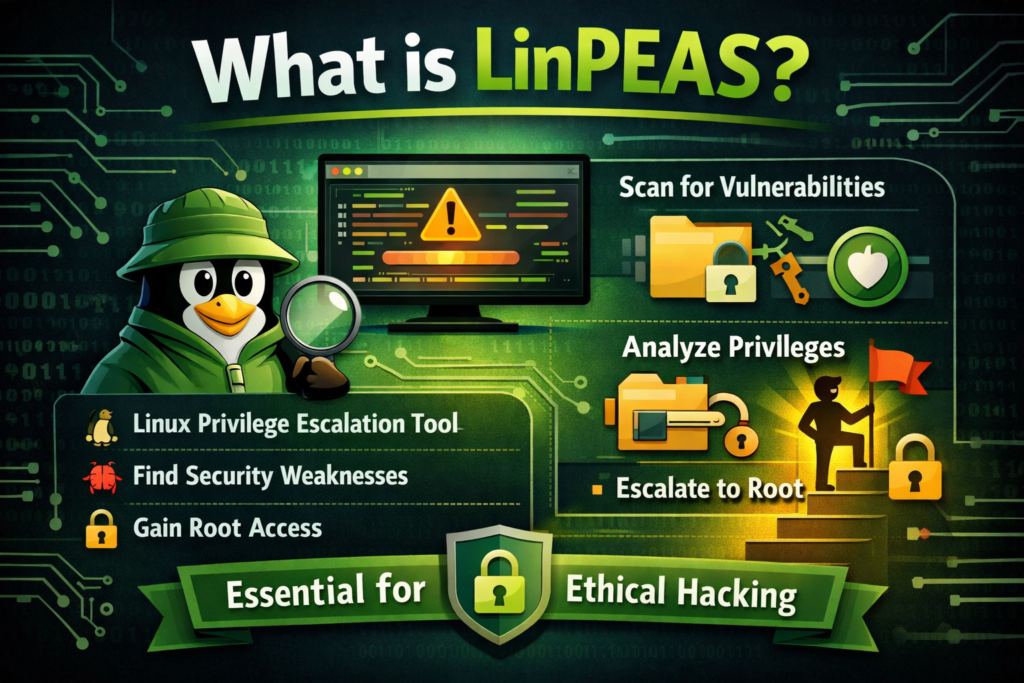
LinPEAS is part of the PEASS-ng (Privilege Escalation Awesome Scripts Suite) toolkit. It’s specifically designed for Linux systems to help identify possible privilege escalation paths. In simple terms, it scans a system and highlights misconfigurations, vulnerabilities, and weak permissions that could allow a user to gain higher privileges.
This tool is widely used in penetration testing and Capture The Flag (CTF) challenges because it automates a lot of the manual enumeration process. Instead of running dozens of commands individually, LinPEAS does it all in one go and presents the results in an easy-to-read format.
Do You Need Root Access to Run LinPEAS?
The good news is that LinPEAS does not require root access to run. You can execute it as a normal user without any special permissions. This is actually one of its biggest advantages.
LinPEAS is designed to simulate what an attacker or low-privileged user can see on a system. So running it without root access helps you understand what vulnerabilities are exposed to regular users.
However, there are a few important points to keep in mind:
- Running LinPEAS as a normal user will give you limited results
- Some sensitive files and configurations are only accessible with root privileges
- The tool will still work, but it won’t show everything
What Happens When You Run LinPEAS Without Root?
When you execute LinPEAS without root access, it scans all the information that your current user is allowed to see. This includes:
- File permissions
- Running processes
- Installed software
- Environment variables
- SUID binaries
- Cron jobs accessible to the user
This level of access is usually enough to find common privilege escalation paths. For example, LinPEAS might identify:
- Misconfigured SUID binaries
- Writable configuration files
- Weak file permissions
- Exposed credentials in readable files
This makes it extremely useful in real-world scenarios where an attacker starts with limited access.
What Additional Information Do You Get With Root Access?
If you run LinPEAS with root privileges, the tool gains full visibility of the system. This allows it to perform deeper checks and uncover issues that are hidden from normal users.
With root access, LinPEAS can:
- Read all system files, including restricted ones
- Analyze sensitive directories like /root
- Check all cron jobs and services
- Inspect system-wide configurations
- Identify deeper misconfigurations
This makes the scan more comprehensive, but it also changes the context. Instead of simulating an attacker with limited access, you are now performing a full system audit.
Should You Run LinPEAS as Root or Not?
This depends entirely on your goal.
If your objective is penetration testing or privilege escalation, you should run LinPEAS as a normal user first. This helps you identify realistic attack paths.
If your goal is system auditing or security hardening, then running LinPEAS as root can give you a complete overview of all potential issues.
In practice, many professionals use both approaches:
- First run LinPEAS as a normal user
- Then run it again with root access (if available)
This gives you a full picture of both external and internal risks.
Advantages of Running LinPEAS Without Root
Running LinPEAS without root access has several benefits:
It mimics real attack scenarios. Most attackers do not start with root privileges, so this approach reflects real-world conditions.
It is safer to execute. Since it doesn’t require elevated permissions, there is less risk of accidentally modifying system configurations.
It helps identify accessible vulnerabilities. You’ll see exactly what a low-privileged user can exploit.
Limitations of Running LinPEAS Without Root
While useful, there are some limitations you should be aware of.
You won’t be able to access restricted files, which means certain vulnerabilities may remain hidden.
Some services and configurations will not be fully visible, reducing the depth of analysis.
Certain privilege escalation paths may only appear when deeper system access is available.
How to Run LinPEAS Safely
Running LinPEAS is straightforward, but you should always follow best practices to avoid issues.
First, download the script from a trusted source. Then make it executable and run it in your terminal. You can execute it as a normal user or with sudo if you have root access.
It’s important to remember that LinPEAS is a powerful enumeration tool. While it is generally safe, you should avoid running it on production systems without permission.
Common Use Cases of LinPEAS
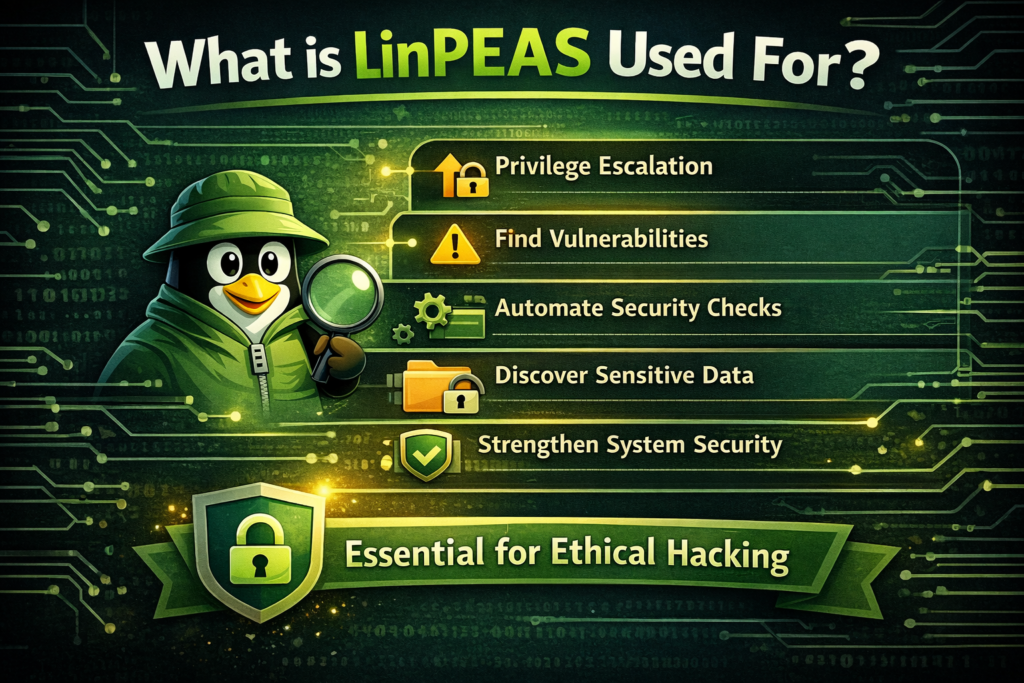
LinPEAS is widely used in different scenarios across cybersecurity.
In penetration testing, it helps identify privilege escalation paths after initial access is gained.
In CTF challenges, it speeds up the enumeration process and helps players find hidden vulnerabilities quickly.
In system administration, it can be used to audit configurations and improve security.
In red teaming, it provides insight into how attackers might move laterally or escalate privileges.
Key Takeaways
So, do you need root access to run LinPEAS? The answer is clearly no. You can run it as a normal user, and in many cases, that’s actually the preferred approach.
However, running it with root access can reveal deeper insights and provide a more complete system audit. The best approach depends on your specific goal — whether you are testing for vulnerabilities or securing a system.
Understanding this distinction will help you use LinPEAS more effectively and get the most out of its powerful features.
Conclusion
LinPEAS is an essential tool for anyone working with Linux security. Its flexibility allows it to be used in both low-privilege and high-privilege environments, making it incredibly versatile.
If you’re just starting out, begin by running LinPEAS without root access. This will give you a realistic view of potential vulnerabilities. As you gain more experience, you can explore running it with elevated privileges for deeper analysis.
By using LinPEAS correctly, you can uncover hidden risks, strengthen system security, and better understand how privilege escalation works in real-world environments.