If you’re diving into cybersecurity or ethical hacking, you’ve probably heard about LinPEAS. But beyond just knowing its name, an important question comes up:
👉 What is LinPEAS actually used for?
In this detailed, SEO-optimized guide, we’ll explain everything in a simple, human-friendly way—no confusing jargon, no technical overload. Whether you’re a beginner or someone improving your skills, this article will give you a clear understanding of LinPEAS and its real-world uses.
What is LinPEAS?
Before we explore its uses, let’s quickly understand what LinPEAS is.
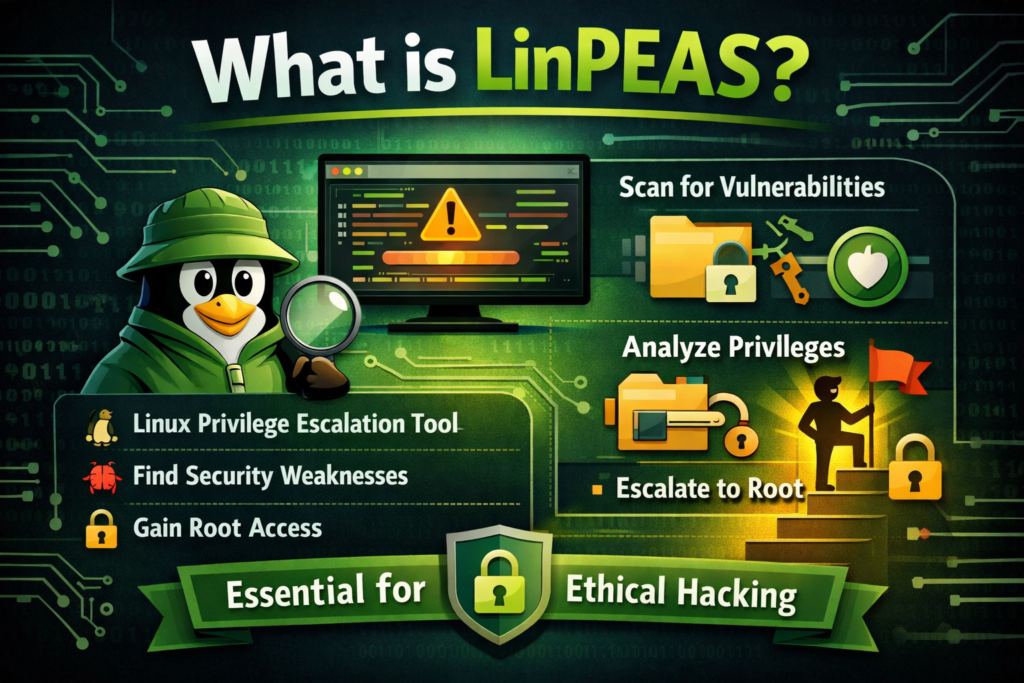
LinPEAS (Linux Privilege Escalation Awesome Script) is a powerful tool used to scan Linux systems for security weaknesses that could allow a user to gain higher privileges.
In simple words:
👉 It helps identify ways to go from a normal user account to an administrator (root).
LinPEAS is part of the PEASS-ng toolkit, widely used in penetration testing and ethical hacking.
What is LinPEAS Used For?
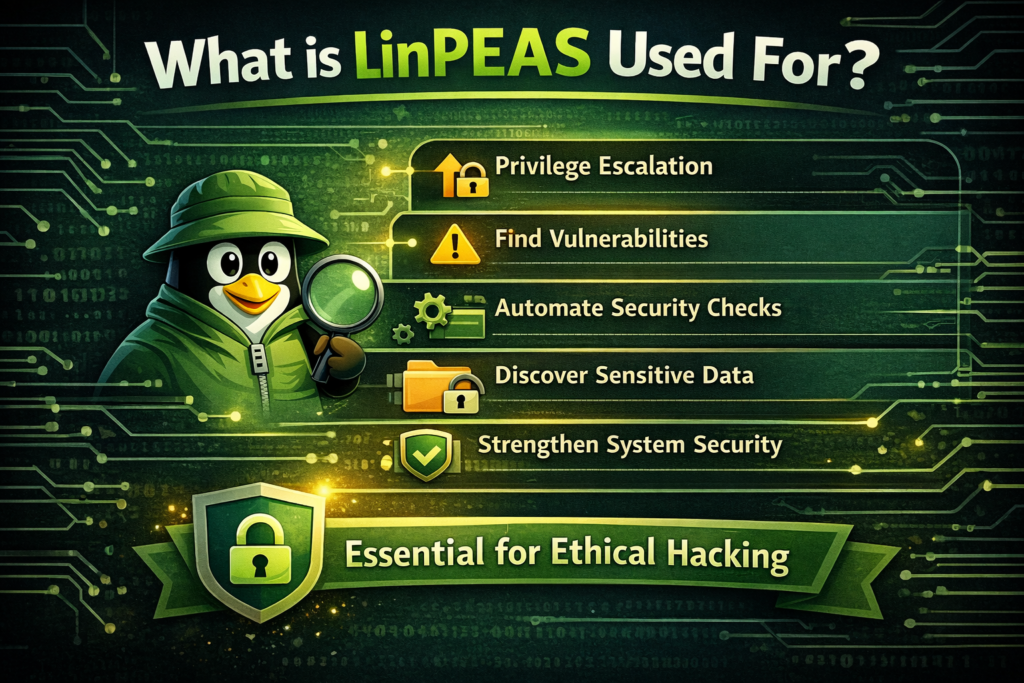
LinPEAS is mainly used for privilege escalation and system enumeration in Linux environments. But that’s just the technical definition.
Let’s break it down into real, practical uses.
Finding Privilege Escalation Opportunities
The primary use of LinPEAS is to identify paths to gain higher-level access on a system.
For example:
- A user may have limited permissions
- But due to a misconfiguration, they might gain root access
LinPEAS scans the system and highlights these possibilities.
👉 This is crucial in cybersecurity because attackers—and ethical hackers—often aim to gain full control of a system.
Automating Security Checks
Without LinPEAS, security professionals would need to manually check:
- File permissions
- Running services
- System configurations
- Installed software
This can take hours.
👉 LinPEAS automates all these checks in minutes.
This makes it one of the most efficient tools for Linux security testing.
Identifying Misconfigurations
Many security issues are not caused by complex hacks—but by simple mistakes.
LinPEAS helps find:
- Incorrect file permissions
- Misconfigured services
- Weak system settings
👉 These small issues can lead to major security risks.
Discovering Sensitive Information
LinPEAS is also used to locate hidden or exposed sensitive data.
This may include:
- Stored passwords
- Configuration files
- API keys
- Backup files
👉 Sometimes, gaining access doesn’t require hacking—it just requires finding exposed data.
Analyzing System Weaknesses
LinPEAS gives a full overview of a system’s security posture.
It checks:
- Kernel version
- Installed applications
- Running processes
- Environment variables
👉 This helps security professionals understand where a system is vulnerable.
Supporting Ethical Hacking
LinPEAS is widely used in ethical hacking and penetration testing.
Ethical hackers use it to:
- Simulate real-world attacks
- Identify weaknesses before attackers do
- Improve system security
👉 It plays a key role in protecting systems rather than harming them.
Learning Cybersecurity Concepts
For beginners, LinPEAS is more than just a tool—it’s a learning resource.
By analyzing its results, you can learn:
- How Linux permissions work
- What vulnerabilities look like
- How attackers think
👉 It helps you grow from beginner to advanced level.
Saving Time During Penetration Testing
Time is critical in penetration testing.
Instead of spending hours manually checking a system, LinPEAS provides:
- Fast results
- Organized output
- Clear indicators of risk
👉 This allows professionals to focus on exploitation and reporting.
Helping in Bug Bounty Programs
Bug bounty hunters use LinPEAS to:
- Discover vulnerabilities
- Find privilege escalation paths
- Report security issues
👉 This can lead to rewards from companies for improving their security.
Enhancing System Hardening
System administrators can also use LinPEAS—not just hackers.
They use it to:
- Identify weak points
- Fix vulnerabilities
- Strengthen system security
👉 This process is called system hardening.
Key Areas LinPEAS Checks
To understand its uses better, let’s look at what LinPEAS actually examines.
File Permissions
Checks who can read, write, or execute files.
SUID/SGID Files
Finds programs that run with elevated privileges.
Cron Jobs
Identifies scheduled tasks that may be exploitable.
Running Services
Analyzes services that could be vulnerable.
Network Configurations
Looks for weak or exposed network settings.
Installed Software
Detects outdated or vulnerable versions.
Real-World Example
Let’s make this simple.
Imagine:
- You access a Linux system as a basic user
- You want to gain admin access
You use LinPEAS.
It shows:
- A scheduled task running as root
- The file is editable by your user
👉 You modify it → You gain root access.
That’s exactly how LinPEAS is used in real scenarios.
Who Uses LinPEAS?
LinPEAS is used by a wide range of people:
Cybersecurity Professionals
To test and secure systems
Ethical Hackers
To simulate attacks
Students
To learn Linux security
Bug Bounty Hunters
To find vulnerabilities
System Administrators
To improve system safety
Platforms Where LinPEAS is Commonly Used
Many learners practice LinPEAS on cybersecurity platforms like:
- TryHackMe
- Hack The Box
👉 These platforms provide safe environments to practice.
Advantages of Using LinPEAS
Here’s why LinPEAS is so popular:
- Fast and efficient
- Beginner-friendly output
- Covers a wide range of checks
- No complex setup required
- Regularly updated
👉 It simplifies a complex process.
Limitations of LinPEAS
Even though it’s powerful, it has some limitations:
- Does not exploit vulnerabilities automatically
- Requires understanding of results
- May show too much information
👉 It’s a helper tool—not a complete solution.
Is LinPEAS Legal to Use?
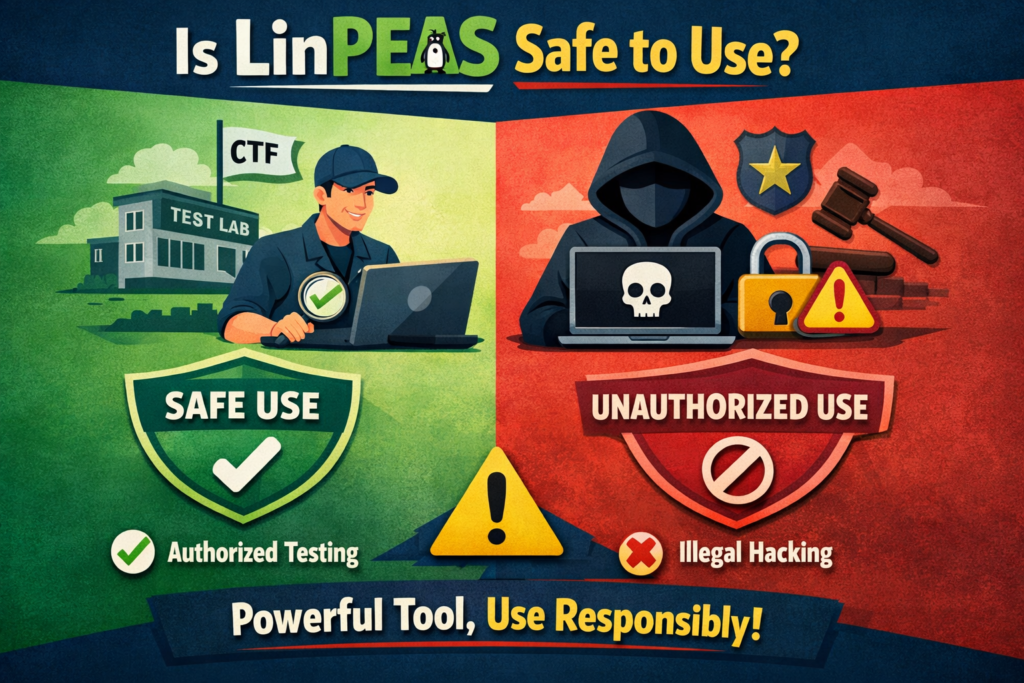
Yes, but only under proper conditions.
Allowed:
- Personal labs
- Practice platforms
- Authorized testing
Not Allowed:
- Unauthorized systems
- Illegal hacking
👉 Always use it responsibly and ethically.
LinPEAS vs Other Tools
There are similar tools like:
- LinEnum
- Linux Smart Enumeration (LSE)
However, LinPEAS stands out because:
- It’s more detailed
- Easier to understand
- Frequently updated
Conclusion
LinPEAS is a powerful and practical tool designed to simplify one of the most critical tasks in cybersecurity—finding privilege escalation opportunities on Linux systems. Instead of spending hours manually checking configurations, permissions, and services, LinPEAS automates the process and highlights potential weaknesses in a clear, structured way.
Its real value lies not just in scanning systems, but in helping users understand how security flaws exist and how they can be exploited or fixed. Whether you’re an ethical hacker, a cybersecurity student, or a system administrator, LinPEAS serves as both a learning tool and a professional asset.