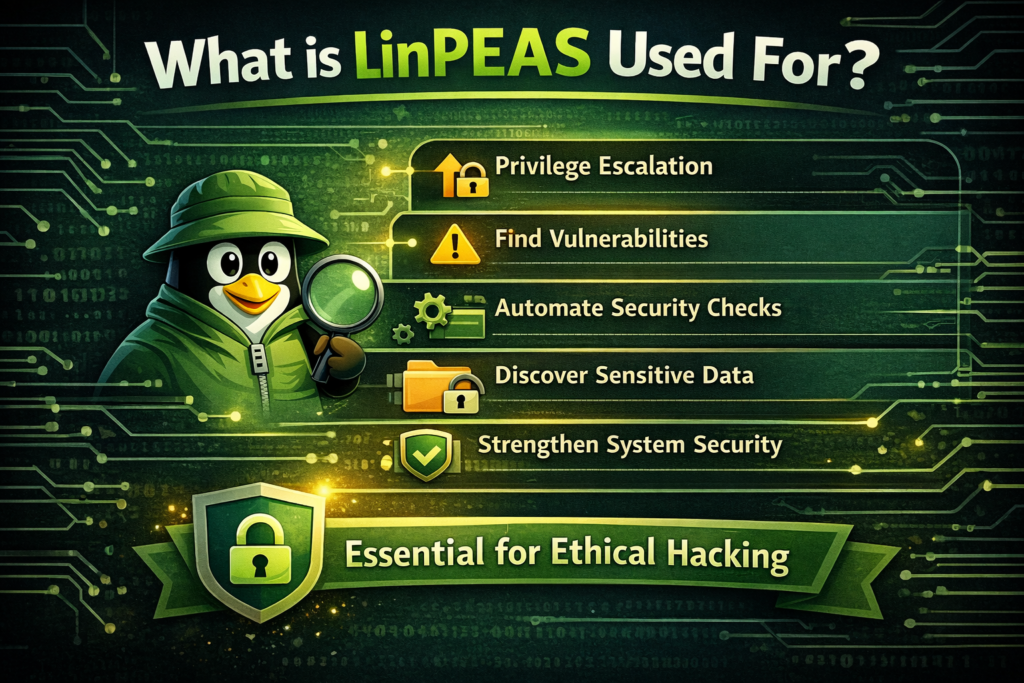
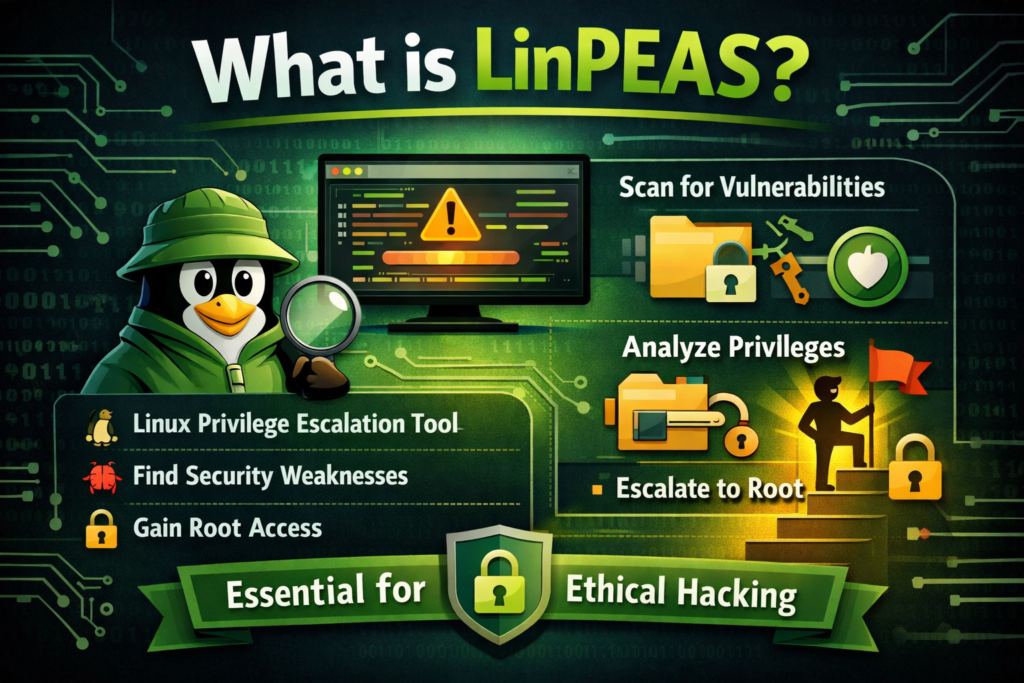
If you’re exploring cybersecurity or ethical hacking, you’ve probably come across the term LinPEAS. At first glance, it might sound complicated, but it’s actually a very practical and widely used tool.
In this guide, we’ll explain what LinPEAS is, how it works, why it’s important, and how beginners can understand and use it—without diving into confusing technical commands.
Why is LinPEAS Important?
When testing system security, getting access to a system is only the first step. The real challenge is gaining higher privileges.
For example:
- A user account might have limited access
- But an admin (root) account has full control
LinPEAS helps identify the gaps that could allow someone to move from low-level access to full control.
Key Reasons People Use LinPEAS:
- Saves time by automating checks
- Finds hidden vulnerabilities
- Helps beginners learn faster
- Widely used in ethical hacking
Without LinPEAS, security testers would need to manually check dozens of settings, which can take hours.
How Does LinPEAS Work?
LinPEAS scans a Linux system and looks for misconfigurations, weak permissions, and security flaws.
It checks things like:
- Who has access to important files
- Programs running with special permissions
- Scheduled tasks (cron jobs)
- Stored passwords or sensitive data
- System and software versions
After scanning, it presents the results in a very organized way.
Easy-to-Understand Output
One of the best features of LinPEAS is its color-coded output, which makes it beginner-friendly.
- 🔴 Red → High-risk issues (important)
- 🟡 Yellow → Things worth checking
- 🟢 Green → General information
This makes it easy to focus on what matters most, even if you’re new.
Main Features of LinPEAS
Let’s look at what makes LinPEAS so popular:
Automated Scanning
LinPEAS performs hundreds of checks automatically.
No Complex Setup
You don’t need complicated installation—it’s simple to run.
Wide Coverage
It checks many areas of the system, not just one.
Beginner-Friendly Design
The output gives hints, so you can learn as you go.
Frequently Updated
It keeps improving with new security checks.
Common Issues LinPEAS Can Find
LinPEAS helps detect several common privilege escalation paths.
Misconfigured Permissions
Some files or folders may be writable when they shouldn’t be.
👉 This can allow attackers to modify important system files.
SUID Programs
These are special programs that run with higher privileges.
👉 If misconfigured, they can be abused.
Scheduled Tasks (Cron Jobs)
Some tasks run automatically with admin rights.
👉 If you can edit them, you may gain higher access.
Stored Credentials
Sometimes passwords are left inside configuration files.
👉 LinPEAS helps uncover these hidden secrets.
Outdated Software
Old software may have known vulnerabilities.
Real-Life Example
Imagine you gain access to a Linux system as a normal user.
You don’t have admin rights yet.
Instead of guessing what to do next, you use LinPEAS.
It quickly shows:
- A script running as admin
- The script is editable by your user
That means you can modify it and gain admin access.
👉 That’s exactly how LinPEAS helps in real scenarios.
Who Uses LinPEAS?
LinPEAS is used by many types of professionals:
- Ethical hackers
- Penetration testers
- Cybersecurity students
- Bug bounty hunters
- System administrators
It’s especially popular on learning platforms like:
- TryHackMe
- Hack The Box
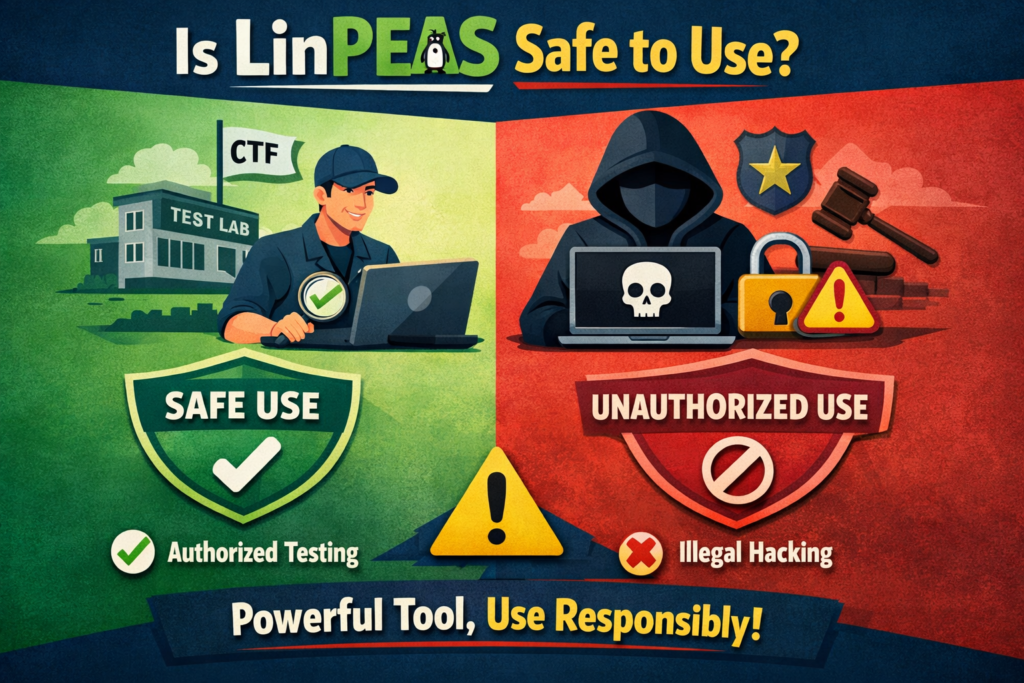
Is LinPEAS Legal?
Yes—but only under the right conditions.
You can use it:
- On systems you own
- In labs or practice environments
- With proper permission
You should NOT use it:
- On someone else’s system without permission
- For illegal activities
👉 Always follow ethical guidelines.
LinPEAS vs Manual Checking
Here’s a simple comparison:
- LinPEAS is fast and automated
- Manual checking is slow and requires deep knowledge
LinPEAS doesn’t replace learning—but it makes learning easier.
Tips for Beginners
If you’re just starting out, keep these points in mind:
Focus on Important Results
Don’t get overwhelmed—start with high-risk findings.
Learn Each Concept
If you don’t understand something, look it up.
Practice Regularly
Use platforms like TryHackMe to practice safely.
Combine Knowledge and Tools
Tools help, but understanding is key.
Limitations of LinPEAS
LinPEAS is powerful, but not perfect.
- It does not hack systems automatically
- It requires human analysis
- Sometimes it shows too much information
👉 Think of it as a guide, not a complete solution.
Alternatives to LinPEAS
Other tools similar to LinPEAS include:
- LinEnum
- Linux Smart Enumeration (LSE)
- Unix-Privesc-Check
However, LinPEAS is often preferred because it’s more detailed and user-friendly.
SEO Keywords Included
This article naturally includes important keywords like:
- What is LinPEAS
- LinPEAS explained
- Linux privilege escalation tool
- LinPEAS guide for beginners
- Ethical hacking tools
- Cybersecurity learning
Conclusion
LinPEAS is one of the most useful tools in the world of Linux security and ethical hacking. It simplifies a complex process—finding ways to gain higher access—and makes it accessible even for beginners.
However, the real power of LinPEAS comes from understanding its results. The more you learn about Linux systems and security concepts, the more valuable this tool becomes.